
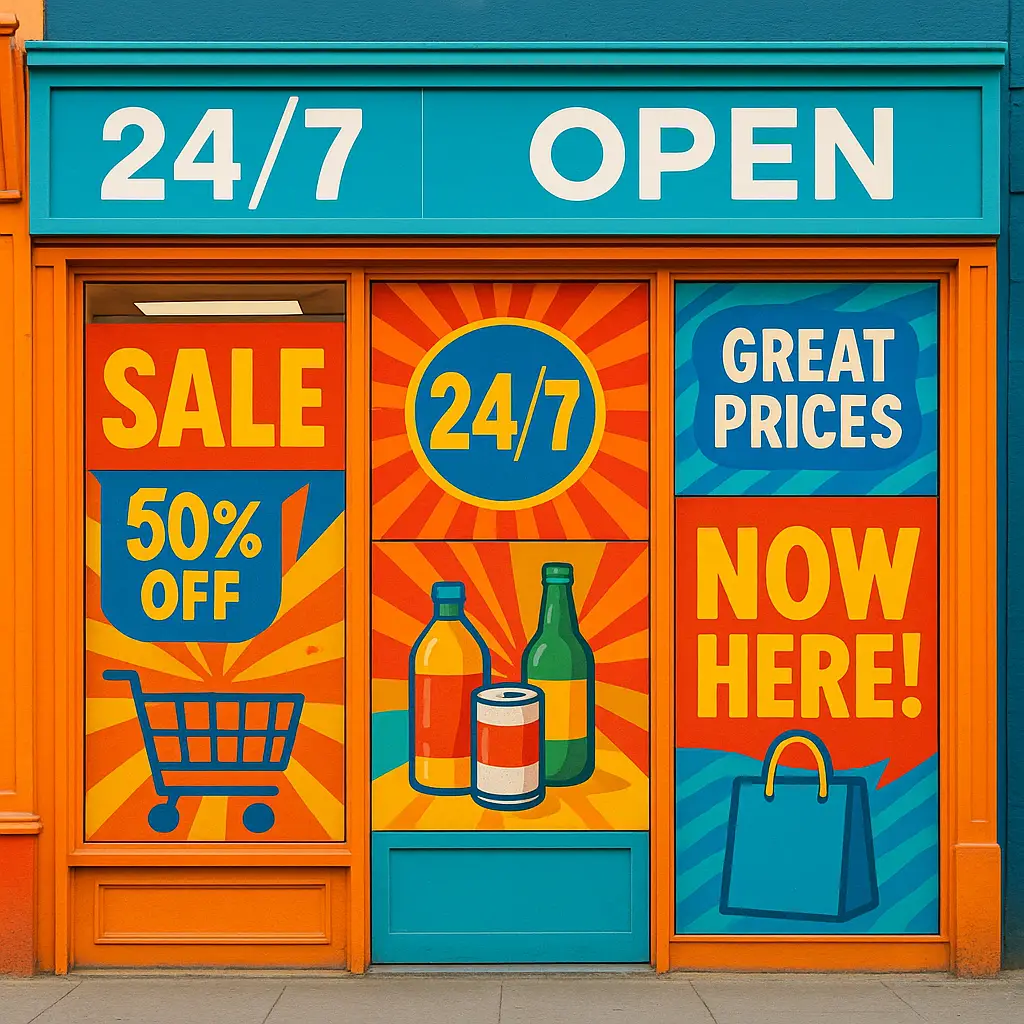
Window Graphics: Turn Your Storefront into a 24/7 Billboard
Transform your storefront into a 24/7 billboard! Discover how store window graphics, from decals to lettering, boost visibility, attract customers, and enhance your brand.

“`html
Ever clicked on a link, waited… and waited… and finally given up? We’ve all been there. That split-second decision to leave a slow-loading page is precisely what potential customers might be doing on your website. In today’s digital world, your site’s speed isn’t just a technical issue; it’s a cornerstone of user experience and a direct factor in your success. A sluggish site frustrates visitors, hurts your credibility, and can send them straight to a competitor.
Improving your website performance isn’t just about pleasing impatient users. It has a real, measurable impact on your bottom line. Even a one-second delay in page load time can lead to fewer conversions and lower search engine rankings. The good news? You don’t need to be a coding expert to make a difference. This guide is designed to show you practical, straightforward ways to improve site speed and create a faster, more enjoyable experience for everyone who visits your digital doorstep.
“`
Think of user experience (or UX) as the overall feeling a person gets when they visit your site. Is it smooth and effortless, or clunky and frustrating? Your site’s speed is a massive part of this equation. A fast, responsive site feels professional and respectful of a visitor’s time, creating a positive first impression. Conversely, a slow site is an immediate roadblock. This is where “bounce rate” comes in—the percentage of visitors who land on your site and leave without interacting further. The primary cause? A poor experience driven by slow page load time. The data is clear: as your page load time climbs from one second to five, the probability of a visitor bouncing increases by over 90%. Every extra second of waiting is a test of your visitor’s patience. The goal to improve site speed, therefore, is fundamentally about keeping people on your page long enough to see the great value you have to offer.
It’s not just human visitors who dislike a slow website—search engines like Google feel the same way. Google’s primary goal is to provide its users with the best possible results, and a frustratingly slow site simply doesn’t make the cut. For years, Google has confirmed that your site’s speed is a direct ranking factor. A slower site can mean a lower position in search results, making you harder for new customers to find.
More recently, Google has emphasized this with a set of specific metrics called Core Web Vitals. Think of these as a report card for your site’s user experience, measuring how quickly your main content loads, how soon a visitor can interact with your page, and how visually stable the page is. A poor score here signals a poor user experience, which can directly harm your SEO visibility. Therefore, every step you take to improve site speed is also a powerful step toward improving your search engine ranking and driving more organic traffic to your business.
Ultimately, keeping visitors on your site and ranking well on Google are means to an end: achieving your business goals. Whether your goal is to sell products, generate leads, or grow your audience, every objective relies on a visitor taking a specific action—a “conversion.” A slow website introduces friction at every step of this journey. Imagine a customer in a store with a full cart, only to find a single, painfully slow checkout line. They’re likely to abandon their purchase. Your website is no different. A slow checkout process, a sluggish form, or a lagging gallery will directly reduce the number of people who convert. Case studies consistently show that even a fractional improvement in page load time can lead to a measurable increase in sales and sign-ups. Therefore, the effort to improve site speed is not just a technical task; it’s one of the most direct investments you can make in your business’s growth and profitability.
Now that you understand the critical link between your site’s speed and your business success, where do you even begin? The journey to improve site speed can feel intimidating, filled with technical jargon and complex advice. But the great news is that some of the most significant gains in website performance come from a few foundational changes—the “big wins” that provide the most impact with the least amount of technical headache. Before you worry about code or complex settings, focusing on these core pillars will set you up for success.
In the following sections, we’ll walk you through the essential first steps that anyone can take to speed up their website. We’ll explore why your web hosting is the bedrock of your site’s speed, how simple image optimization can slash your page load time, and how a Content Delivery Network (CDN) works like a magic delivery service for your content. Think of these as the low-hanging fruit. By tackling these foundational elements first, you’ll make a tangible difference that both your visitors and Google will notice. Let’s get started.
Think of your web hosting as the foundation of a house. If it’s built on shaky ground, it doesn’t matter how beautifully you decorate the rooms—the entire structure will be unstable. Your website “lives” on a server provided by your hosting company. If that server is slow or overcrowded, your site will be slow, period. Many businesses opt for the cheapest shared hosting plans, which is like renting a room in a crowded dormitory. You’re sharing resources like memory and processing power with hundreds of other websites. If one of your “neighbors” gets a massive surge in traffic, your site’s performance can slow to a crawl.
Investing in quality hosting is the single most impactful change you can make to improve site speed. Premium or managed hosting plans provide your site with its own dedicated resources, ensuring a consistently fast and reliable experience for your visitors. While it may require a bigger budget, upgrading your hosting is a direct investment in better website performance and a crucial first step to speed up your website before you tweak anything else.
If your web host is your site’s home, a Content Delivery Network (CDN) is like an express delivery service with warehouses all over the world. Normally, when someone visits your site, their request has to travel all the way to your single server’s location. If your server is in Texas and your visitor is in Tokyo, that’s a long trip, and it slows things down.
A CDN solves this by storing copies of your site’s assets (like images, videos, and style files) on a network of servers spread across the globe. When that visitor from Tokyo accesses your site, the CDN automatically serves the content from the nearest server—perhaps one in Japan or Singapore—instead of Texas. This dramatically reduces the physical distance the data has to travel, which in turn slashes your page load time. Using a CDN is a foundational step to improve site speed, especially for a global audience, ensuring a fast and smooth experience for everyone, no matter their location. It’s a standard tool for boosting modern website performance.
Imagine visiting a library. The first time you ask for a specific book, the librarian has to search the vast stacks to find it. If you return the next day asking for the same book, a smart librarian might have kept it at the front desk, ready for you. This is exactly what browser caching does for your website. The first time a visitor arrives, their browser has to download every element: your logo, images, and other static files. Without caching, it has to do this every single time.
A caching plugin, however, tells the visitor’s browser to “remember” these files by storing a copy. When that person returns to your site, their browser can instantly retrieve the saved files instead of re-downloading them from your server. This simple process dramatically cuts down the page load time for repeat visitors, making your site feel incredibly fast and responsive. For popular platforms like WordPress, installing a caching plugin is one of the easiest and most powerful ways to improve site speed. It’s a core tool to speed up your website and provide a better experience for your loyal audience.

With your site’s foundation now solid, it’s time to move from the engine room to the passenger cabin. On-page optimizations are the small but powerful tweaks you can make to the content on your pages themselves to make them lighter and faster. Think of it like packing a suitcase efficiently—the goal is to bring everything you need without weighing yourself down. While foundational elements like hosting and a CDN provide the raw power, these on-page tactics are what refine your website performance for an even quicker experience.
Fortunately, you don’t need to be a developer to tackle the biggest offenders. In the sections that follow, we’ll show you how to handle the single most common cause of a slow website: large, unoptimized images. We’ll cover simple, free tools and techniques for image optimization that can drastically cut your page load time. Making these hands-on adjustments is a highly effective way to improve site speed, giving you direct control over how quickly your pages load for every single visitor. Let’s dive into how you can speed up your website, one page at a time.
Large, high-quality images are often the single biggest culprit behind a slow website. Uploading a photo straight from your camera is like trying to send a giant poster through the mail—it’s unnecessarily big and slow. The solution is image optimization, a two-step process that dramatically improves website performance. First is resizing. Before you upload an image, resize it to the maximum dimensions it will display on your site. If your blog content area is 800 pixels wide, there’s no need for a 4000-pixel image. This alone makes the file much smaller.
Next comes compression. This process intelligently reduces the image’s file size (its weight in kilobytes) without a significant drop in visual quality. Free online tools like TinyPNG or Squoosh can do this for you in seconds, or you can use plugins that automate it on platforms like WordPress. By making resizing and compressing a regular part of your workflow, you directly control one of the heaviest elements on your page. This simple habit is a powerful and essential way to improve site speed and slash your page load time for a much faster user experience.
Think of your website’s plugins and theme like apps on your smartphone. Each one adds a useful feature, but they also consume resources and add code that has to be loaded. The more you have, the more your site can bog down. This is especially true for platforms like WordPress, where it’s easy to accumulate dozens of plugins over time. Each one, especially those that are poorly coded or loaded with features you don’t use, contributes to your site’s “weight,” hurting your website performance.
The solution is a simple digital spring clean. Take a moment to audit your installed plugins. For each one, ask yourself: “Is this absolutely essential for my user experience or business goals?” If a plugin is deactivated or you can’t remember why you installed it, delete it completely. A deactivated plugin can still be a security risk. Similarly, favor lightweight, performance-focused themes over complex “all-in-one” themes bloated with features you’ll never use. This “less is more” approach is a free and incredibly effective way to improve site speed by reducing unnecessary code bloat and helping you speed up your website.
We’ve already touched on how a caching plugin acts like a helpful librarian, keeping frequently requested files handy for repeat visitors. But to truly maximize this effect, you can fine-tune how that “memory” works. This is known as leveraging browser caching, and it’s a powerful way to reward your loyal audience with a blazing-fast experience. The key is telling browsers how long they should “remember” your site’s static files—like your logo, fonts, and CSS stylesheets—before checking for a new version.
For elements that rarely change, you can set a long expiration date, perhaps several months or even a year. This prevents repeat visitors from re-downloading the same assets over and over again. Most user-friendly caching plugins provide simple settings to control these expiration times without needing to touch any code. Taking a few minutes to configure this is a highly effective, set-it-and-forget-it tactic to improve site speed. It guarantees that the more someone visits your site, the faster it gets for them, directly boosting your overall website performance.

You can’t improve what you don’t measure. Making changes to your site without checking its speed is like navigating without a map—you’re just guessing. To understand your starting point and track your progress, you need to run a website speed test. Fortunately, there are fantastic, free online tools for this, with Google PageSpeed Insights being one of the most important for any site owner. These tools analyze your URL and provide a detailed report card on your website performance, giving you an overall score and breaking down critical metrics like your total page load time and your grades for the all-important Core Web Vitals.
The real power of these tests is that they don’t just diagnose the problem; they offer a prescription. The report will give you specific, prioritized recommendations on what to fix. While some suggestions might seem technical, they often point directly to the issues we’ve discussed, like large images or caching problems. Running these tests is the essential first step to creating a data-driven plan to improve site speed and see the real-world impact of your efforts.
Getting started with a website speed test is simpler than you think. The most important tool in your kit is Google PageSpeed Insights. It’s free, user-friendly, and since it’s made by Google, its feedback is directly tied to your potential search ranking. To use it, simply go to the PageSpeed Insights website, enter your full website URL, and click “Analyze.” The tool will scan your page and generate two reports: one for Mobile and one for Desktop. It’s crucial to look at both, but pay special attention to the Mobile score, as Google prioritizes the mobile user experience.
The report gives you an overall performance score from 0-100 and a pass/fail grade for your Core Web Vitals. But the real treasure is the “Opportunities” section. This is your personalized to-do list to improve site speed, flagging specific issues like “Properly size images” or “Leverage browser caching.” It even estimates the time you could save by fixing them. Don’t be intimidated by the technical language; focus on the high-impact recommendations that align with the strategies in this guide. This actionable report is your roadmap to a faster website.
When your speed report flashes acronyms like LCP, FID, and CLS, it’s easy to feel overwhelmed. But these Core Web Vitals are simply Google’s way of measuring how your site *feels* to a real visitor. Let’s break them down with simple analogies. Largest Contentful Paint (LCP) is your first impression; it measures how quickly the main content—like your banner image or headline—loads. First Input Delay (FID) measures responsiveness; when someone first clicks a button, how fast does your site react? A long delay is like ringing a doorbell and getting no answer, making the site feel broken. Finally, Cumulative Layout Shift (CLS) measures visual stability. It penalizes pages where elements jump around as they load, like when an ad pops in and pushes down the button you were about to tap. Focusing on these three areas is a direct roadmap to improve site speed and enhance your overall website performance in ways that both visitors and Google will notice.

Congratulations! You’ve successfully navigated this non-geek’s guide and are now equipped with the essential strategies to improve site speed. But remember, website performance isn’t a one-time fix; it’s an ongoing practice. To keep your site running smoothly, think of this as your simple maintenance checklist. Routinely optimize every new image before you upload it—make it a non-negotiable habit. Every few months, take a few minutes to audit and remove unnecessary plugins to keep your site lean and secure. And at least once a quarter, run a fresh website speed test to monitor your Core Web Vitals and ensure everything is still on track. By turning these simple steps into regular habits, you move from just fixing problems to proactively maintaining excellent website performance. This consistent effort is the key to providing a great user experience that keeps visitors engaged and helps your business thrive.
Let’s boil it all down into a quick-reference action plan. To truly improve site speed, start with your foundation by investing in quality web hosting and implementing a Content Delivery Network (CDN). Next, install a caching plugin to dramatically reduce page load time for your repeat visitors. On the content front, make image optimization a core part of your workflow by resizing and compressing every image you upload. Be ruthless in your digital spring cleaning—regularly audit and delete unnecessary plugins and themes that bloat your site. Finally, make measurement a habit. Use a website speed test like Google PageSpeed Insights to monitor your Core Web Vitals and track your progress. Following these steps is a surefire strategy to boost your website performance and create a faster, more enjoyable experience that supports your business goals.
The journey to improve site speed doesn’t end after you’ve checked off the initial to-do list. Think of your website like a garden; you can’t just plant the seeds and walk away. It requires consistent watering and weeding to flourish. Similarly, your site’s health requires ongoing attention. New blog posts with unoptimized images, added plugins, or even theme updates can slowly degrade your website performance over time, undoing all your hard work.
By making performance a regular maintenance habit, you shift from reacting to problems to proactively maintaining excellence. Set a simple calendar reminder once a quarter to run a website speed test, check for plugin bloat, and ensure your new content is optimized. This small, consistent effort is far less daunting than a major overhaul down the line. It’s a simple commitment that protects your user experience, preserves your SEO rankings, and ensures your website remains a fast, effective, and welcoming asset for your business for years to come.
Transform your storefront into a 24/7 billboard! Discover how store window graphics, from decals to lettering, boost visibility, attract customers, and enhance your brand.
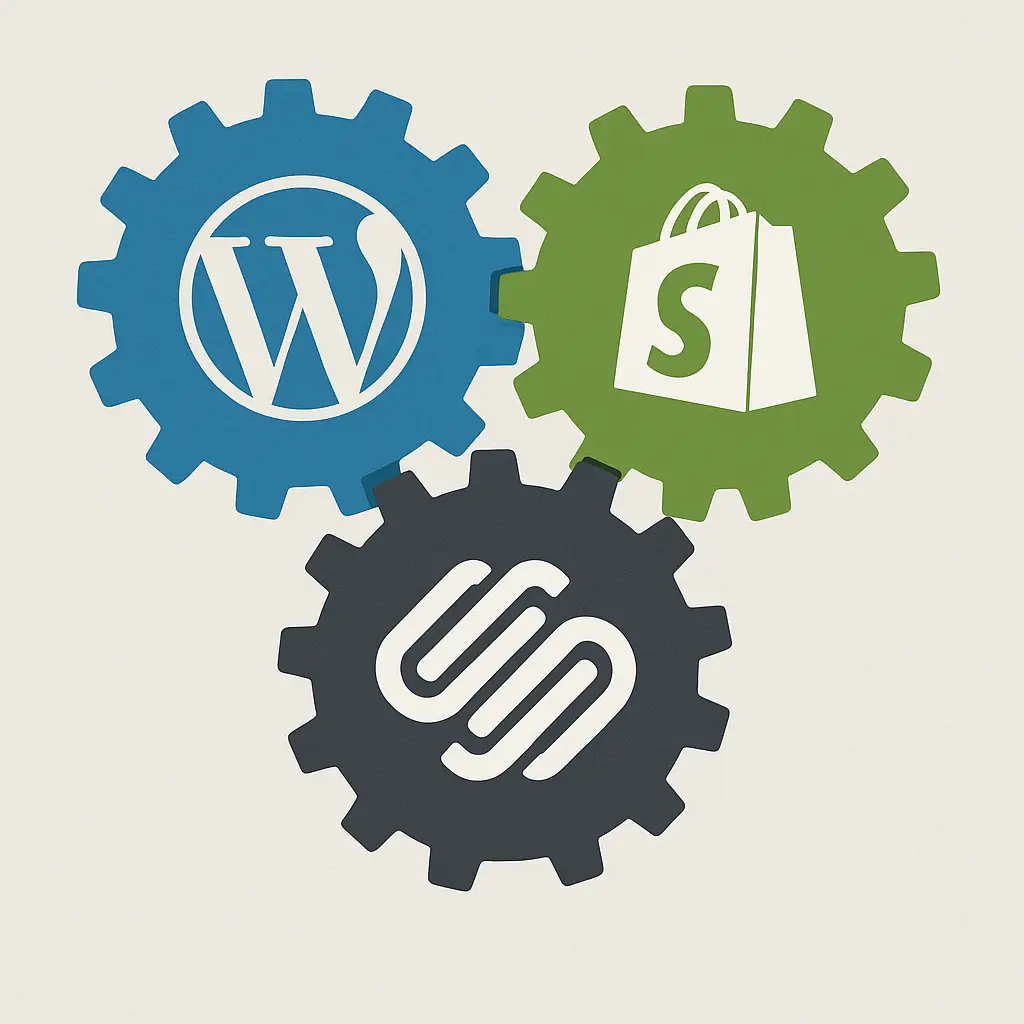
Choosing the best CMS for your business? Compare WordPress, Shopify, and Squarespace side-by-side to find the ideal platform for your online store or website.

Master choosing the right fonts for your brand. Learn font psychology, pairing, and legibility to craft a powerful brand identity that connects with your audience.