

Window Graphics: Turn Your Storefront into a 24/7 Billboard
Transform your storefront into a 24/7 billboard! Discover how store window graphics, from decals to lettering, boost visibility, attract customers, and enhance your brand.

The landscape of digital creation is undergoing a seismic shift, powered by the rapid rise of generative AI. What once required hours of meticulous work can now be brought to life in seconds with a simple text prompt, transforming workflows for everyone from marketing managers to professional artists. At the epicenter of this creative earthquake are two titans: Adobe Firefly and Canva Magic Studio. These powerful suites of AI design tools are reshaping our expectations, but they approach the challenge from fundamentally different directions. This sets the stage for a critical decision for any creator. The core of the matter is the Adobe Firefly vs Canva Magic Studio comparison: one is a precision instrument for seasoned professionals, while the other is an accessible, all-in-one toolkit for rapid content creation. In this guide, we’ll dissect their features, performance, and ideal use cases to help you choose the right AI partner for your creative journey.

Adobe Firefly is not a single application but Adobe’s family of creative generative AI models, engineered specifically for the demands of artists, designers, and marketing professionals. Its greatest strength lies in its deep and seamless integration within the Adobe Creative Cloud ecosystem. This means powerful features like Generative Fill in Photoshop or Text to Vector Graphic in Illustrator are directly embedded into a professional’s existing workflow. Trained ethically on the vast library of Adobe Stock, Firefly is designed to produce commercially safe, high-quality content. As a premier AI image generator, its focus is on providing granular control and photorealistic results, making it a sophisticated generative AI tool that augments, rather than replaces, professional skill. It’s built for creators who value precision and workflow integration, a key distinction in the Adobe Firefly vs Canva debate.
The fundamental concept of Adobe Firefly is integration, not isolation. Rather than being a separate destination, Firefly’s generative AI capabilities are woven directly into the fabric of the Adobe Creative Cloud. You don’t switch to a new app; you unlock powerful new features like Generative Fill and Text to Vector Graphic inside the software you already master. This approach is designed to enhance, not replace, professional workflows, allowing creators to ideate, experiment, and refine with AI assistance without ever leaving their familiar environment.
Adobe Firefly’s power is demonstrated through its flagship features. Its sophisticated text-to-image AI model excels at producing detailed, high-resolution visuals from descriptive prompts. The most celebrated feature, Generative Fill (integrated into Photoshop), allows creators to seamlessly add, remove, or expand image content with remarkable realism. Beyond images, Text Effects provides a powerful tool for applying unique styles and textures to typography. These core functions exemplify how this generative AI provides professional-grade tools designed for precision and creative control.
Adobe Firefly is laser-focused on the seasoned creative professional. Its ideal users—graphic designers, digital artists, and photographers—are already deeply embedded in the Adobe Creative Cloud ecosystem. For this audience, Firefly is not a separate destination but a powerful evolution of their existing toolkit. These professionals require the granular control and high-fidelity output that Firefly offers, enabling them to integrate generative AI seamlessly into complex projects while maintaining precise artistic direction, a key factor in the overall Firefly vs Canva comparison.

Where Adobe Firefly targets the seasoned professional, Canva Magic Studio embraces accessibility for the masses. It’s not a standalone product but a comprehensive suite of over ten AI-powered features integrated directly into the familiar Canva interface. This collection of AI design tools is engineered to accelerate the entire creative workflow, from writing copy with Magic Write to generating entire presentations with Magic Design. The core philosophy is speed and simplicity, making powerful generative AI accessible to non-designers. Rather than focusing solely on a high-end AI image generator, Magic Studio aims to be a one-stop-shop for marketers, entrepreneurs, and social media managers using Canva Pro. This fundamental difference in approach—an all-in-one toolkit versus a specialized instrument—is central to the Adobe Firefly vs Canva Magic Studio decision.
The philosophy driving Canva Magic Studio is empowerment through simplicity. It functions as an integrated creative assistant where a diverse collection of AI design tools work in harmony to remove technical barriers. The goal is to collapse the workflow, allowing a user to go from a simple idea to a fully realized design, video, or presentation within minutes. Unlike tools that focus on perfecting a single asset, Magic Studio’s concept is about accelerating the entire creation journey, making good design accessible to everyone, not just professionals.
The power of Canva Magic Studio lies in its diverse arsenal of AI design tools designed for speed. Magic Design is a standout, generating entire presentations or custom design templates from a single text prompt. Magic Write acts as an integrated AI copywriter, while Magic Edit offers impressive object-aware image manipulation. It also includes Magic Media, its own text-to-image AI tool for creating visuals from scratch. This comprehensive suite, available in Canva Pro, is built to accelerate the entire creation process, not just a single task.
The ideal user for Canva Magic Studio is someone who prioritizes speed and efficiency over granular creative control. This includes marketers, small business owners, social media managers, and entrepreneurs who need to produce a high volume of quality content quickly. They often lack formal design training and need intuitive AI design tools to create everything from Instagram posts to business proposals without a steep learning curve. For this audience, the all-in-one nature of Canva Pro is a massive advantage, solidifying its position for accessibility in the Adobe Firefly vs Canva Magic Studio matchup.

With the core concepts defined, the real Adobe Firefly vs Canva Magic Studio showdown begins. The fundamental difference isn’t just about features, but philosophy: professional-grade precision versus all-in-one accessibility. Adobe Firefly acts as a specialist’s tool, deeply integrated into the Adobe Creative Cloud to perform specific, high-fidelity tasks like photorealistic image generation and manipulation with unparalleled control. It’s designed to augment the workflow of a seasoned creative. In contrast, Canva Magic Studio functions as a versatile generalist. It’s a complete suite of interconnected AI design tools built for speed, enabling a user to go from a blank page to a finished presentation or social media campaign in minutes. The Firefly vs Canva comparison is ultimately a choice between a powerful, specialized instrument and a comprehensive, user-friendly toolkit that handles the entire creative process from start to finish.
When evaluating the core text-to-image AI function, Adobe Firefly demonstrates superior performance in generating high-fidelity, photorealistic results. Its models, trained on Adobe Stock, excel at producing nuanced textures, realistic lighting, and intricate details suitable for professional work. In contrast, Canva’s AI image generator (Magic Media) is highly effective for creating marketing graphics, icons, and stylized illustrations quickly. While incredibly useful, it often lacks the photorealistic depth and fine-grained artistic control that defines the Firefly experience, a crucial distinction in any Firefly vs Canva comparison.
In the Adobe Firefly vs Canva Magic Studio debate, ease of use is a major differentiator. Canva Magic Studio is built for accessibility, with its features integrated into an intuitive, drag-and-drop interface that requires virtually no training. In contrast, Adobe Firefly’s true power is unlocked within professional applications like Photoshop and Illustrator. While this offers unparalleled control, it also presents a steeper learning curve for those unfamiliar with the Adobe Creative Cloud. The choice is clear: Canva prioritizes immediate results, while Adobe rewards professional expertise.
Workflow integration is a critical factor in the Adobe Firefly vs Canva Magic Studio debate. Firefly’s strength is its deep, seamless integration into the Adobe Creative Cloud. It enhances the workflows of professionals by bringing powerful generative AI directly into apps like Photoshop and Illustrator. Conversely, Canva Magic Studio offers broad integration within its own all-in-one platform. It’s designed to accelerate the entire content creation process—from copy to design—within a single, unified environment, a key benefit for Canva Pro users.
Pricing further highlights the different philosophies in the Adobe Firefly vs Canva Magic Studio matchup. Canva’s model is simpler: its generative AI features are largely bundled into the straightforward Canva Pro subscription, providing an all-in-one toolkit for a flat fee. Adobe ties Firefly to Adobe Creative Cloud plans and uses a generative credits system. While plans include a monthly credit allowance, heavy usage may require purchasing more, linking cost directly to consumption. This makes Canva’s pricing more predictable, while Adobe’s scales with professional usage.
The choice in the Adobe Firefly vs Canva Magic Studio debate becomes clear when looking at specific tasks. Choose Adobe Firefly for high-stakes, professional projects: a photographer using Generative Fill to seamlessly edit a hero image, or a designer creating photorealistic concept art. Opt for Canva Magic Studio for speed and volume: a marketer generating a week’s worth of social media graphics, or a founder designing a business presentation in minutes. Your project’s demand for either precision or speed is the ultimate deciding factor.

Even after a detailed head-to-head analysis, specific questions often determine the final verdict in the Adobe Firefly vs Canva Magic Studio debate. Your unique workflow, budget, and project requirements are what truly matter. To help you make a confident choice, we’ve compiled answers to the most frequently asked questions about these competing platforms. This section will tackle common queries, from commercial usage rights to which tool is definitively better for specific roles like social media management or professional photography. Think of this as your final checklist. Whether you’re leaning towards the sophisticated control of Adobe’s generative AI or the all-in-one convenience of Canva’s AI design tools, these answers will provide the clarity needed to select the right creative partner for your work and settle the Firefly vs Canva comparison for good.
The question of whether Adobe Firefly is “better” than Canva depends entirely on the user’s goals. For professional designers and artists needing photorealistic results and deep integration within the Adobe Creative Cloud, Firefly is the superior choice. Its generative AI is built for precision. Conversely, for marketers and non-designers who prioritize speed and creating diverse content (like presentations and social posts) with ease, Canva Magic Studio is better. The core Adobe Firefly vs Canva decision comes down to professional control versus all-in-one efficiency.
While Canva has a robust free version, the comprehensive suite of Canva Magic Studio features is primarily reserved for Canva Pro subscribers. Free users are typically given a limited number of lifetime credits to sample some of the generative AI functions, like the AI image generator. However, for ongoing and unrestricted access to the full collection of powerful AI design tools, including Magic Design and Magic Write, a paid subscription is necessary. This model positions Magic Studio as a core benefit of upgrading.
A major selling point for Adobe Firefly is that it’s designed to be commercially safe. Adobe trained its generative AI models on its extensive Adobe Stock library, openly licensed content, and public domain material where copyright has expired. This means that images generated with Firefly are intended for commercial use, giving professionals and businesses greater confidence. In the Adobe Firefly vs Canva Magic Studio debate, this commitment to legally sound AI is a significant advantage for users creating assets for clients or large campaigns.
Ultimately, the Adobe Firefly vs Canva Magic Studio decision isn’t about crowning a single champion, but about choosing the right creative co-pilot for your specific journey. The rivalry perfectly illustrates the current state of generative AI: a powerful technology diversifying to meet distinct needs. Your choice should be a reflection of your workflow, skills, and project goals. If you are a creative professional demanding precision, photorealism, and seamless integration into the Adobe Creative Cloud, Firefly is your indispensable partner, built to augment your expertise. If you are a marketer, entrepreneur, or content creator who values speed, versatility, and an all-in-one toolkit that takes you from idea to finished product in minutes, Canva Magic Studio is the clear victor. Both platforms prove that the future isn’t about replacing human creativity, but amplifying it. The best tool is the one that removes your biggest barrier, letting your vision come to life faster and more powerfully than ever before.
Transform your storefront into a 24/7 billboard! Discover how store window graphics, from decals to lettering, boost visibility, attract customers, and enhance your brand.
Choosing the best CMS for your business? Compare WordPress, Shopify, and Squarespace side-by-side to find the ideal platform for your online store or website.
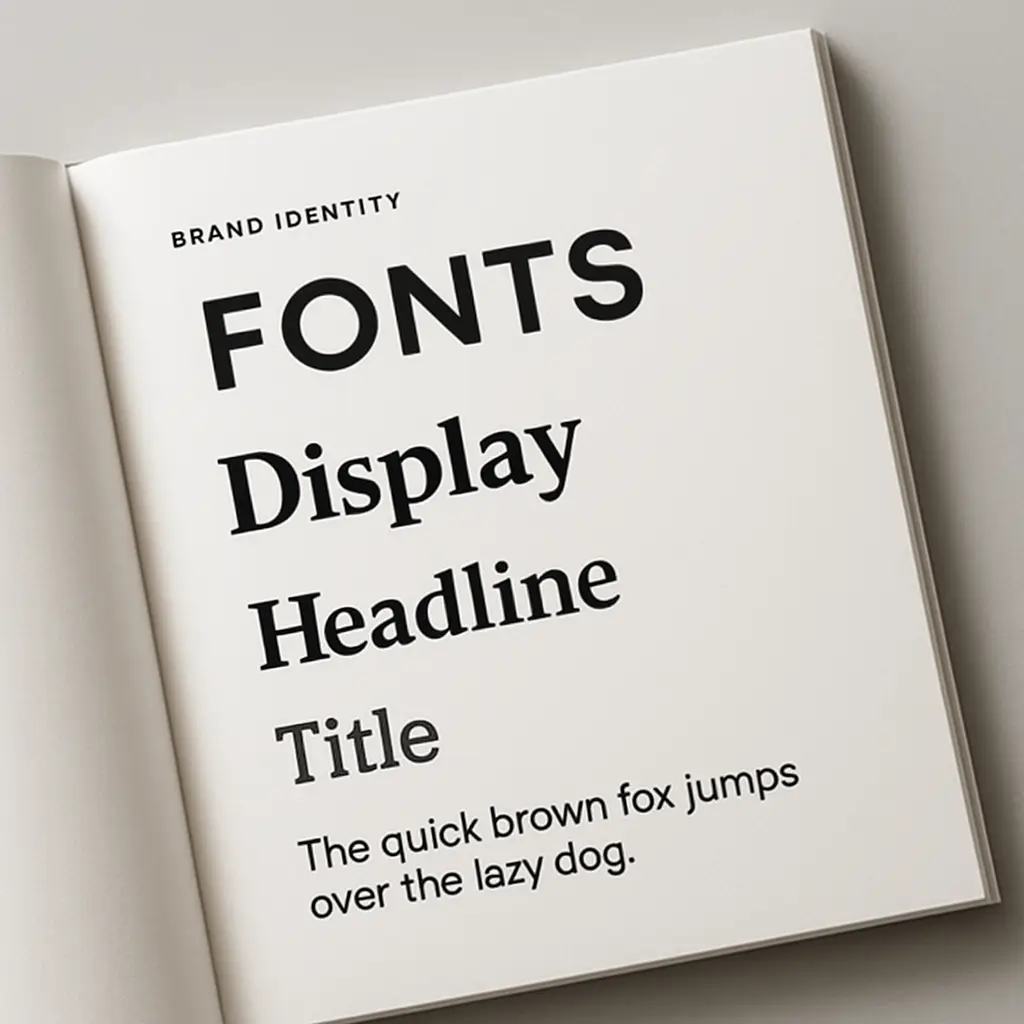
Master choosing the right fonts for your brand. Learn font psychology, pairing, and legibility to craft a powerful brand identity that connects with your audience.