

How to Use AI for SEO Content Optimization
Unlock SEO success with AI! Learn to leverage AI for keyword research, content creation, on-page optimization & auditing. Master the human-AI partnership for superior content.
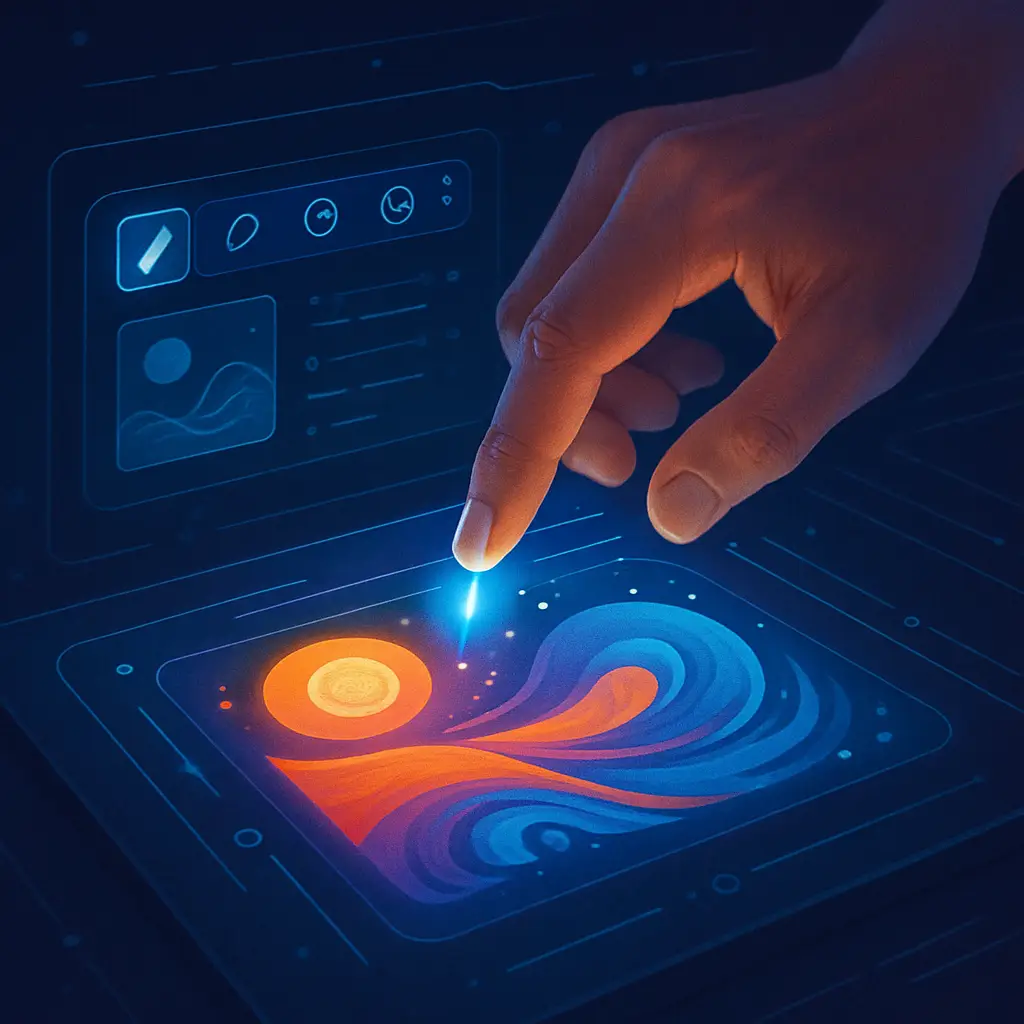
Imagine typing a simple sentence and watching it transform into a stunning visual masterpiece. This isn’t science fiction; it’s the new reality powered by AI design tools. This revolutionary technology, driven by powerful generative AI algorithms, is reshaping the entire creative landscape. From intricate illustrations and professional logos to fully functional website mockups, these tools translate your ideas from prompts to pixels in mere seconds. Whether you’re a seasoned professional looking to leverage AI for designers to speed up your workflow or a complete beginner, the world of AI graphic design is now more accessible than ever. These platforms, often using incredible text to image AI, act as tireless creative partners, helping to overcome hurdles and spark inspiration. In this guide, we’ll explore the best AI design tools available, from advanced options to powerful free AI design tools you can try today.
At their core, AI design tools are sophisticated software applications powered by advanced machine learning models, particularly generative AI. They function by interpreting user inputs—most commonly simple text prompts—to create entirely new visual content from scratch. Think of them as a digital creative partner that can understand your ideas and translate them into tangible assets. The scope of AI graphic design has expanded rapidly, moving beyond simple image creation. Today, you can find everything from a dedicated AI logo generator for crafting brand identities to an AI website builder that produces layout mockups in seconds. These platforms leverage complex text to image AI algorithms not just to create, but to automate tedious tasks, brainstorm variations, and ultimately make high-quality design accessible to everyone, regardless of their technical skill level. They are fundamentally changing how we approach the creative process from the ground up.
This broad category includes several types of creative software. The most famous are the best AI art generator tools, like Midjourney, which excel at creating detailed images from text. Beyond that, you’ll find specialized AI for designers, including a dedicated AI logo generator for quick branding and an AI website builder for prototyping layouts. The common thread is their use of AI to interpret commands and generate new visual assets, dramatically accelerating the creative workflow and opening up new possibilities for creators.
The introduction of AI design tools marks a fundamental shift in the creative workflow. The designer’s role evolves from pure creator to creative director, guiding powerful generative AI with well-crafted prompts. This move from manual execution to AI-assisted ideation solves the “blank page” problem, accelerating brainstorming and concept development. Ultimately, leveraging AI for designers means shifting focus from tedious initial creation to the higher-level tasks of curation, refinement, and strategic decision-making.
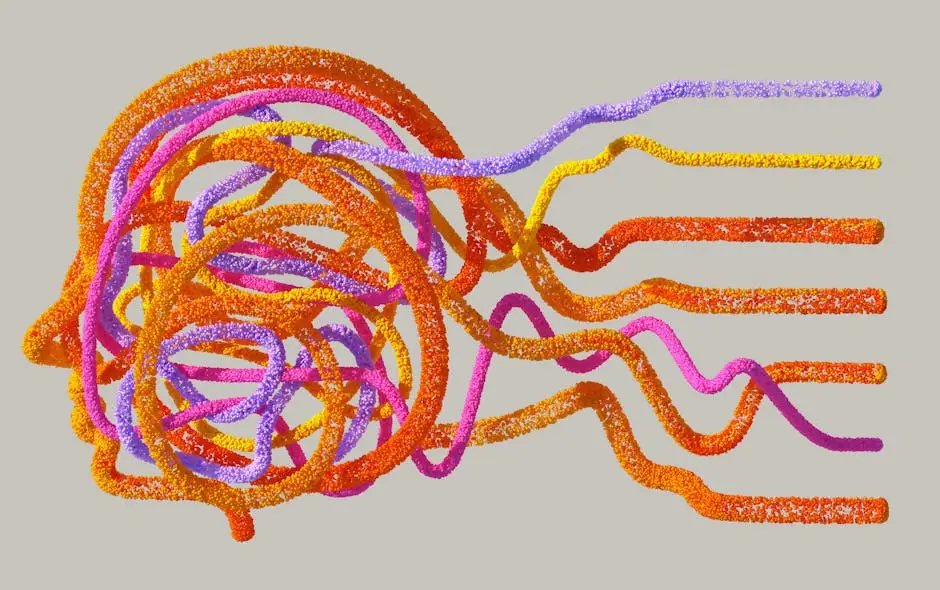
The process behind AI design tools may seem like digital magic, but it’s grounded in a powerful technology known as generative AI. These systems are “trained” on colossal datasets containing billions of images and their corresponding text descriptions. Through this intensive training, the AI learns to recognize and associate complex patterns, connecting words and phrases—like “surreal watercolor,” “art deco style,” or “vibrant portrait”—with specific visual elements, compositions, and aesthetics. When you provide a prompt, the text to image AI engine effectively reverses this process. It starts with a canvas of random digital noise and progressively refines it, step by step, to create a new image that statistically aligns with the instructions in your prompt. This sophisticated pattern-matching and generation capability is what allows these tools to transform your text-based ideas into detailed, original visuals.
The magic behind generative AI often comes from two main types of models: GANs and Diffusion Models. Older systems often used Generative Adversarial Networks (GANs), which pit two AIs against each other—a “generator” creating visuals and a “discriminator” trying to spot fakes. This competition improves quality. Today, many of the best AI art generator tools, including Midjourney, use Diffusion Models. These learn by adding noise to images and then expertly reversing the process, building a new image from scratch based on your prompt.
Machine learning is the engine, but data is the fuel for every generative AI system. The incredible capabilities of AI design tools are built on massive datasets containing billions of image-text pairs gathered from across the internet. The quality, diversity, and sheer volume of this data directly determine the tool’s performance. A model trained on a wider range of artistic styles and accurately described images will produce more versatile and refined results, highlighting why the underlying data is as crucial as the algorithm itself.
Integrating AI design tools into your workflow isn’t just a novelty; it’s a strategic advantage that delivers tangible results across the board. The most immediate benefit is a dramatic increase in speed and efficiency. Tasks that once consumed hours, from brainstorming initial concepts to generating dozens of variations, can now be completed in mere minutes. This incredible acceleration allows professionals leveraging AI for designers to shift their focus from tedious manual labor to higher-level strategy and refinement. Beyond pure speed, these platforms act as an inexhaustible source of inspiration. Generative AI helps smash through creative blocks by producing unique styles and compositions you might never have considered. This democratization of AI graphic design also empowers entrepreneurs and marketers to create compelling visuals, leveling the playing field. Ultimately, these tools amplify human creativity, enabling you to work smarter, explore more freely, and bring ambitious ideas to life faster than ever before.
Every creator faces the daunting “blank page” problem. AI design tools offer an immediate and powerful solution. By simply entering a text prompt, you can instantly generate a wide array of visual interpretations for an idea, breaking through creative inertia. This process, powered by generative AI, provides endless starting points and unexpected artistic directions. Instead of starting from zero, designers can explore and refine AI-generated concepts, using these platforms as a tireless muse to spark fresh ideas and explore possibilities beyond their usual style.
Beyond brainstorming, AI design tools excel at handling the grunt work of AI graphic design. Tasks like generating dozens of color or layout variations, creating seamless patterns, or even producing a full set of icons based on a single style directive can be automated. An AI logo generator, for example, can produce hundreds of options in seconds. This automation frees designers from tedious, time-consuming tasks, allowing them to dedicate their valuable expertise to refinement, strategy, and delivering a polished final product.
By combining speed with automation, AI design tools create a powerful engine for productivity. The ability to generate concepts and variations in minutes, rather than hours, dramatically shortens project timelines from start to finish. This acceleration allows designers to iterate faster on client feedback and handle a greater volume of work. For any creative professional, leveraging AI for designers means more time can be allocated to strategy, client communication, and final polish, directly enhancing overall efficiency and output.
Perhaps the most significant impact of AI design tools is their ability to democratize the creative process. Previously, creating polished visuals required specialized skills and expensive software. Now, intuitive platforms empower marketers, entrepreneurs, and content creators to produce high-quality AI graphic design assets independently. With access to a powerful AI logo generator or a suite of free AI design tools, non-designers can craft compelling social media content, business cards, and presentations, bridging the gap between a great idea and professional visual execution.
With the market for AI design tools rapidly expanding, finding the right platform for your specific needs can feel overwhelming. The landscape is no longer one-size-fits-all; different tools excel at different tasks. Some, like the best AI art generator platforms, focus on creating hyper-realistic images, while others specialize as a dedicated AI logo generator for branding or an AI website builder for mockups. To help you navigate this ecosystem, we’ve curated a list of the top contenders. In the following sections, we will break down the premier AI design tools for various use cases—from powerful options like Midjourney for professionals leveraging AI for designers, to accessible free AI design tools perfect for marketers and beginners. Whether you need powerful generative AI for complex AI graphic design or a simple solution for a quick project, this guide will point you to the perfect tool.
This category is dominated by the heavyweights of generative AI. Tools like Midjourney and DALL-E 3 represent the pinnacle of text to image AI, transforming descriptive prompts into stunning, detailed visuals. They are widely considered the best AI art generator options for creating everything from concept art to photorealistic images. While Midjourney is celebrated for its unmatched artistic and cinematic quality, DALL-E 3 excels at prompt adherence and accessibility, making these essential AI design tools for any creative.
Beyond static images, a specialized class of AI design tools is revolutionizing UI/UX design. Platforms like Uizard and Framer AI use generative AI to transform text prompts, hand-drawn sketches, or even screenshots into editable wireframes and website mockups. Functioning as a powerful AI website builder for rapid prototyping, they drastically accelerate the initial design phase. This allows designers and product teams to visualize and iterate on app and web layouts with incredible speed, turning abstract ideas into tangible interfaces in minutes.
This category of AI design tools is built for practical, everyday use. Platforms like Canva Magic Design and Adobe Firefly integrate generative AI directly into established design workflows. They excel at creating social media posts, presentations, and marketing assets from simple text prompts. Canva’s Magic Design makes powerful AI graphic design incredibly accessible for quick, polished results, while Adobe Firefly brings commercially safe AI generation into the professional Adobe suite, streamlining the creation of brand-aligned content for designers.
Creating a professional brand identity is now faster than ever thanks to the dedicated AI logo generator. Tools like Looka and LogoAI are specialized AI design tools that focus exclusively on branding. You simply provide your company name, industry, and style preferences, and their generative AI produces hundreds of unique logo options and marketing assets in seconds. This makes them ideal for startups and small businesses needing high-quality branding without the traditional cost or long design timelines.
Crafting a visually stunning presentation is often a tedious task. Specialized AI design tools like Beautiful.ai are built to eliminate this friction. Instead of manually arranging elements, you focus on your content, and its smart AI automatically applies design principles to create clean, professional slides. It handles layouts, fonts, and colors to ensure every slide is consistent and engaging, transforming the time-consuming process of deck creation and freeing you to concentrate on your message.
In the world of generative AI, the prompt is your paintbrush, your camera, and your creative brief all in one. The quality of your results from any AI design tools is directly proportional to the quality of your instructions. Mastering prompt engineering is the single most important skill for unlocking their true potential. This goes far beyond simple commands; it’s about learning to communicate your vision with precision. A great prompt acts as a detailed guide for the text to image AI, specifying not just the subject but also the style, mood, composition, lighting, and even camera lens. For creative professionals using AI for designers, the role shifts from creator to curator, guiding the AI with well-crafted language to generate stunning visuals. Learning to “speak AI” through effective prompting is the key to transforming these powerful tools from a novelty into an indispensable part of your creative process.
To master prompting for AI design tools, focus on being specific and descriptive. A great prompt layers details to guide the generative AI. Start with a clear subject, then add context like style (e.g., “impressionist oil painting,” “minimalist vector art”), mood (“serene,” “energetic”), lighting (“soft morning light”), and composition (“wide-angle shot,” “close-up portrait”). The more precise your language, the closer the AI’s output will be to your vision. Think of it as providing a detailed creative brief for your digital assistant.
To truly direct the generative AI, you must layer in descriptors for style, mood, and composition. Don’t just ask for “a robot”; ask for a “vintage 1950s tin robot, whimsical and cheerful, studio lighting, close-up shot.” These precise modifiers are the key. Use phrases like “impressionist painting,” “dramatic cinematic lighting,” or “symmetrical flat lay composition” to guide the text to image AI. This level of detail transforms a simple concept into a specific, high-quality visual, making your AI design tools work for you.
Your first output from an AI design tools is rarely the final product; think of it as a creative draft. The true magic lies in iteration. Refine your results by making small, targeted changes to your original prompt—add a keyword like “photorealistic” or swap “daylight” for “dramatic mood lighting.” Many platforms also offer features to vary or remix a promising generation. This iterative loop is crucial for guiding the generative AI and is a core skill when using AI for designers.
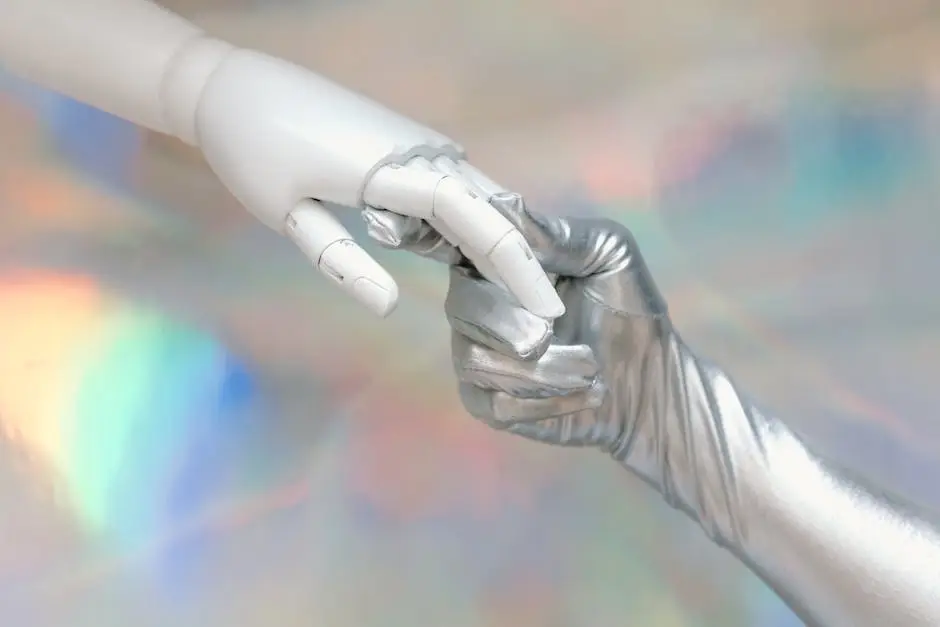
The rapid evolution of AI design tools has understandably sparked a debate across the creative industry: will this technology make human designers obsolete? The reality points not to replacement, but to a powerful new partnership. While generative AI excels at incredible speed, generating countless options, and automating tedious tasks, it lacks the essential human elements of true design: strategic thinking, empathy, and contextual understanding. An AI can’t interpret a client’s unspoken needs or build a brand narrative that resonates emotionally with an audience. The future role of the creative professional is evolving into that of a creative director, guiding these powerful tools. Professionals using AI for designers will leverage this technology as a co-pilot, freeing them from mundane execution to focus on the high-level strategy, curation, and problem-solving that AI cannot replicate. Ultimately, these tools are set to amplify human ingenuity, not extinguish it.
The ‘AI as a co-pilot’ analogy is perhaps the most accurate way to view this evolving relationship. In this model, the human designer is the pilot, responsible for the overarching strategy, creative direction, and critical decisions. The AI design tools act as the advanced co-pilot, executing complex maneuvers—like generating hundreds of visual concepts—with incredible speed. This partnership allows the designer to focus on navigating the project’s goals and making the final call, while the AI handles the technical execution, making the creative journey faster and more efficient.
To thrive, modern designers must evolve their skillsets. The emphasis shifts from pure technical execution to creative direction, prompt engineering, and critical curation. The ability to evaluate, select, and refine what generative AI produces is now paramount. Value will increasingly lie in strategic thinking, understanding client needs, and knowing how to blend AI-generated concepts with traditional design tools for a polished final product. This evolution ensures that AI for designers remains a powerful asset, not a threat.
We’ve journeyed from prompts to pixels, exploring how AI design tools are fundamentally reshaping the creative landscape. The key takeaway is clear: this technology is not a replacement but a revolutionary creative partner. The era of generative AI is here, and your next step is to embrace it with curiosity. Don’t just read about it—dive in. Start experimenting with some of the accessible free AI design tools we discussed to get a firsthand feel for their capabilities. Focus on mastering the art of the prompt, as this is the new language of creative direction. Begin by integrating these platforms into one part of your workflow, whether for brainstorming, asset generation, or mood boarding. By treating AI as a powerful co-pilot, you can amplify your productivity and creative output. The future of design is a collaboration between human strategy and artificial intelligence, and by taking these first steps, you are positioning yourself at the forefront of this exciting evolution.
Unlock SEO success with AI! Learn to leverage AI for keyword research, content creation, on-page optimization & auditing. Master the human-AI partnership for superior content.

Transform your storefront! Discover 10 innovative outdoor sign ideas, from witty A-frames to stunning murals, to make your business stand out and attract more customers.

Unlock the secrets to effective small business signage! Learn how to choose the right signs for branding, attracting customers, and boosting your business. Get expert tips on design, materials & permits.