
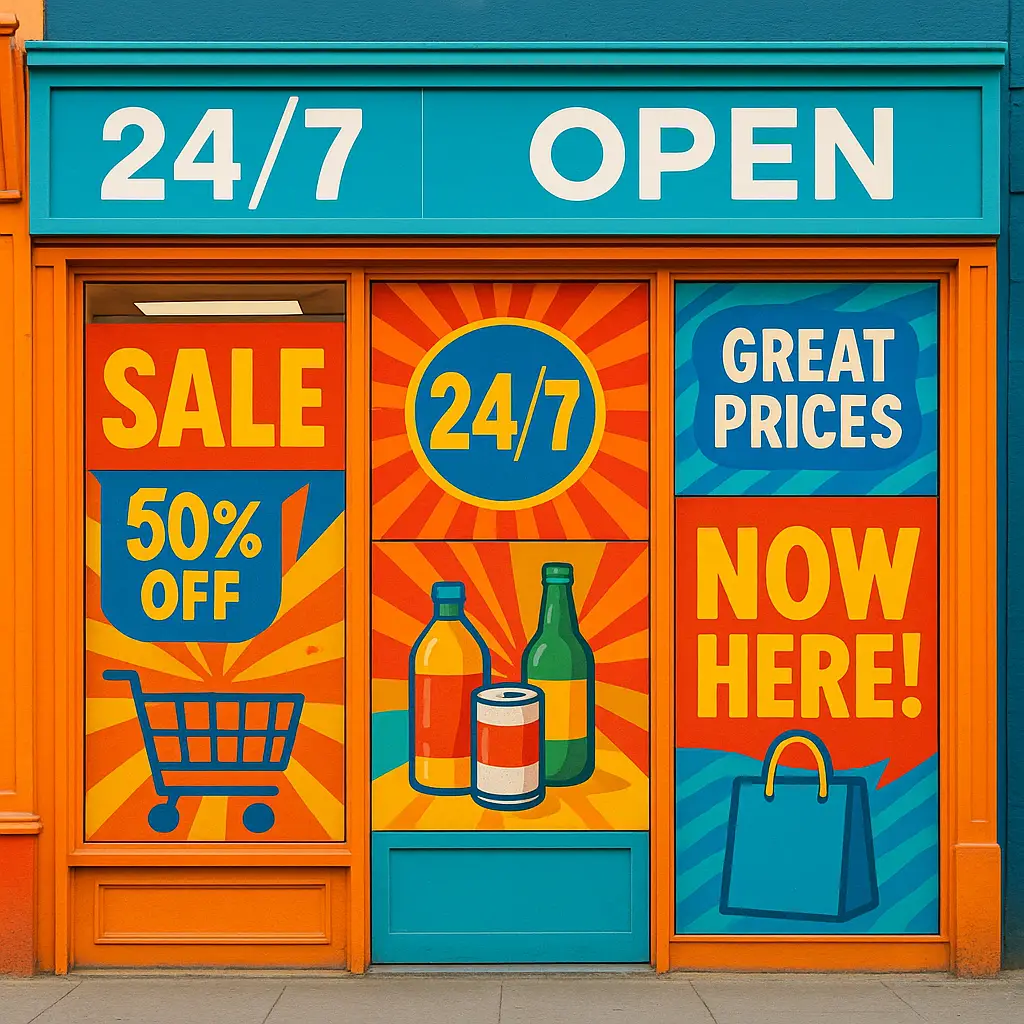
Window Graphics: Turn Your Storefront into a 24/7 Billboard
Transform your storefront into a 24/7 billboard! Discover how store window graphics, from decals to lettering, boost visibility, attract customers, and enhance your brand.
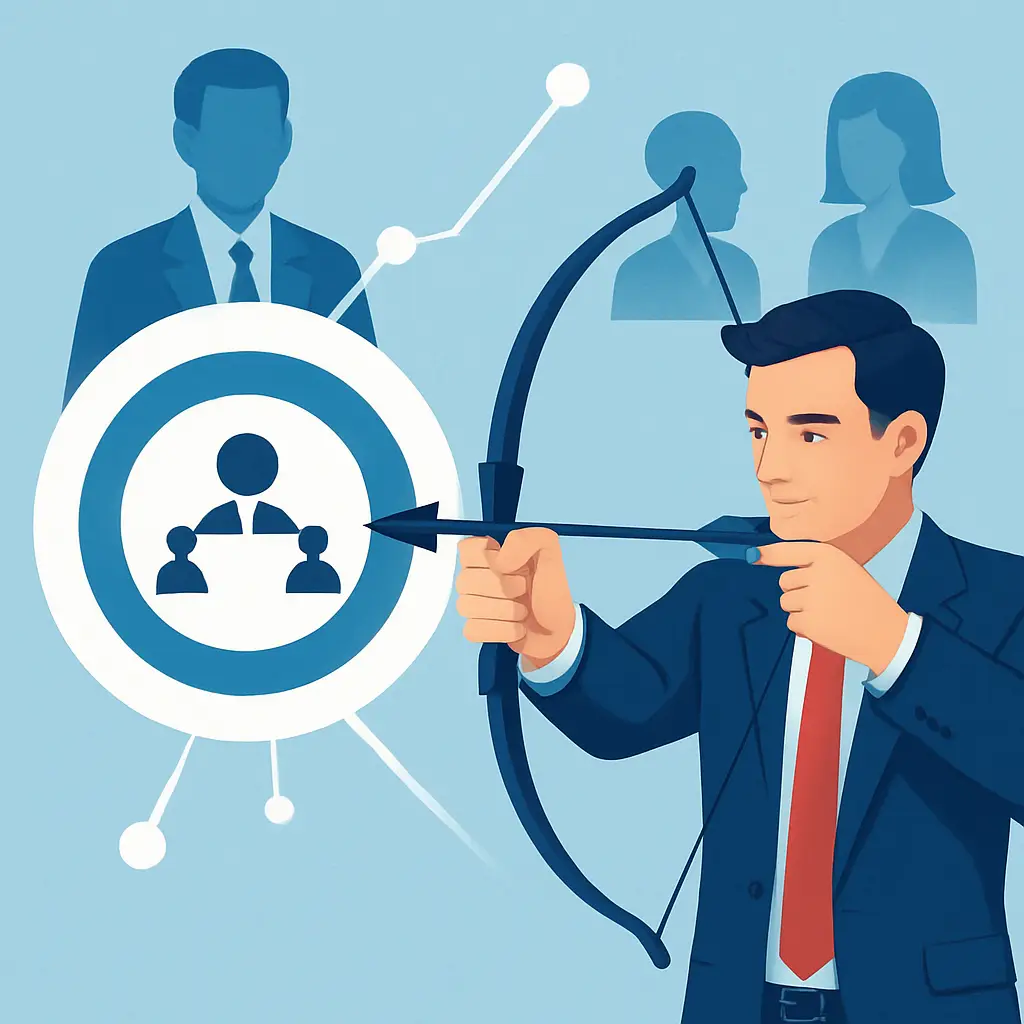
In the complex world of B2B marketing, success isn’t just about reaching a large audience—it’s about reaching the right one. Connecting with key decision-makers and high-value professionals requires precision, and that’s precisely where LinkedIn excels. The platform is the undisputed powerhouse for B2B advertising because its targeting capabilities are built on a foundation of user-provided, professional data. Unlike other networks that rely on guesswork, effective B2B targeting on LinkedIn leverages accurate details like job titles, company size, industry, and seniority. This allows you to bypass the noise and place your message directly in front of the exact target B2B audience most likely to convert. This guide will show you how to harness these powerful tools to drive meaningful results and maximize your campaign ROI.

Before you even open LinkedIn Campaign Manager, the most critical step in successful B2B targeting on LinkedIn is to define exactly who you’re trying to reach. This isn’t about guesswork; it’s about building a detailed Ideal Customer Profile (ICP). Who are these high-value professionals? Move beyond simple demographics and map out their specific attributes. Consider their job titles, seniority levels, key responsibilities, the industry they work in, and their company’s size. Creating this clear picture is the bedrock of your entire strategy. It ensures that when you do dive into the various LinkedIn targeting options, your choices are deliberate and purposeful. This foundational work transforms your B2B marketing efforts from a shot in the dark into a precise, effective campaign designed to capture your ideal target B2B audience and drive powerful LinkedIn lead generation.
Your Ideal Customer Profile (ICP) defines the perfect company—think industry, revenue, and employee count. This directly informs your firmographic targeting strategy within LinkedIn Campaign Manager. Buyer personas then represent the actual people inside those companies. Who are these high-value professionals? What are their specific job titles, seniority levels, and pain points? A detailed persona for a “VP of Marketing” versus a “CTO” ensures your ad copy and offer will resonate, making your campaign significantly more effective.
With your ICP and personas defined, it’s time to enter the operational hub: the LinkedIn Campaign Manager. This is where your strategic planning transforms into an active campaign. While the interface is robust, its purpose is straightforward—to provide the tools you need for precise B2B targeting on LinkedIn. This is where you will build your audience, set your budget, and launch your ads. Familiarizing yourself with its layout is the first practical step in deploying your strategy and reaching those high-value professionals you’ve identified.

With your ideal customer profile defined, it’s time to translate that strategy into action within the LinkedIn Campaign Manager. This is where the true power of B2B targeting on LinkedIn comes to life. The platform offers a rich menu of targeting attributes that allow you to layer criteria and build a highly specific audience from the ground up. You can move beyond simple demographics and use powerful filters based on professional data. This includes detailed firmographic targeting (like company industry, name, and size) and job experience attributes (such as job title, function, and seniority). By carefully combining these LinkedIn targeting options, you ensure your message is delivered exclusively to the high-value professionals you want to reach. This precision is what separates a good campaign from a great one, laying the foundation for effective LinkedIn lead generation and a strong return on your investment.
This is where your Ideal Customer Profile becomes actionable. The essence of powerful firmographic targeting is using company attributes to build your audience. You can select specific industries like “Computer Software,” filter by company size to isolate SMBs or enterprise accounts, and even target employees at specific company names for an account-based strategy. Combining these foundational LinkedIn targeting options is a cornerstone of effective B2B targeting on LinkedIn, ensuring your campaign budget is focused only on the most relevant organizations.
While firmographic targeting finds the right companies, job experience targeting pinpoints the exact people within them. This is where your buyer personas come to life. Using specific Job Titles like “Chief Financial Officer” offers surgical precision. For broader reach, combine Job Function (e.g., “Finance”) with Seniority (e.g., “VP” or “C-level”) to capture all relevant decision-makers. Layering these powerful LinkedIn targeting options ensures your message reaches the high-value professionals who actually influence purchasing decisions, refining your target B2B audience for maximum impact.
While job titles are powerful, sometimes the most critical qualifier for your target B2B audience is what they know, not just the role they hold. This is where you can target members by their listed skills, fields of study, or degrees. Do you sell a product for data scientists? Target the skill “Data Analysis.” Need to reach engineers from top programs? Filter by university. This layer of B2B targeting on LinkedIn is invaluable for reaching high-value professionals with niche expertise, ensuring your ads resonate with their specific qualifications.
Beyond static profile data, this powerful layer of B2B targeting on LinkedIn allows you to connect with users based on their active engagement. You can target members of specific LinkedIn Groups—think niche industry forums where your target B2B audience gathers. Additionally, you can filter by Member Interests, reaching professionals who have shown interest in relevant topics like “cloud computing” or “corporate finance.” This behavioral approach is an excellent way to refine your audience and reach high-value professionals who are actively seeking knowledge in your domain.
While the core targeting filters are essential for building your initial audience, the true power of advanced B2B targeting on LinkedIn is unlocked with Matched Audiences. This suite of tools allows you to go beyond LinkedIn’s native data and leverage your most valuable asset: your own first-party data. Instead of just searching for your ideal customer, you can directly target them. You can upload lists of specific companies for an Account-Based Marketing (ABM) approach, import contact lists of leads or customers for nurturing campaigns, and retarget visitors who have already shown interest by visiting your website. This strategy elevates your B2B marketing by allowing you to engage a warm, pre-qualified target B2B audience. It’s a fundamental shift from broad outreach to precise engagement, dramatically improving the efficiency of your LinkedIn lead generation and connecting you with the most coveted high-value professionals.
One of the most direct applications of Matched Audiences is contact targeting. This feature lets you upload your existing contact lists (like emails from your CRM or event attendees) directly into the LinkedIn Campaign Manager. LinkedIn securely matches this data to user profiles, allowing you to run highly focused campaigns for lead nurturing or customer upselling. This method of B2B targeting on LinkedIn is incredibly effective for engaging a warm, pre-qualified target B2B audience and is a cornerstone of advanced B2B marketing strategies.
A cornerstone of any Account-Based Marketing (ABM) strategy, this feature within Matched Audiences allows you to upload a list of target company names. LinkedIn then matches these to company pages, enabling you to focus your budget exclusively on reaching employees at those high-value accounts. This hyper-focused approach is a game-changer for B2B targeting on LinkedIn, as it eliminates wasted ad spend and ensures your powerful LinkedIn ads for B2B are seen by professionals within your most important target companies.
Perhaps the most powerful Matched Audiences feature is website retargeting. By installing the LinkedIn Insight Tag on your website, you can build a dynamic audience of professionals who have already visited. This strategy allows you to re-engage this warm target B2B audience with tailored follow-up messaging, nurturing them further down the funnel. This specific form of B2B targeting on LinkedIn is crucial for maximizing conversion rates and ensuring that no interested, high-value professionals slip through the cracks after leaving your site.

Once you’ve built high-quality source lists using Matched Audiences, the next frontier is intelligent expansion. This is precisely what Lookalike Audiences are designed for. Instead of manually guessing new targeting criteria, this feature allows you to scale your campaigns by finding new members who share similar attributes with your best-performing audiences. For example, you can create a Lookalike Audience based on your website visitors or a list of your most valuable customers. LinkedIn’s algorithm then analyzes the professional traits of that source audience—like job functions, seniorities, and skills—to find a new, larger group of similar high-value professionals. This advanced method of B2B targeting on LinkedIn is critical for scaling your top-of-funnel efforts, driving efficient LinkedIn lead generation, and discovering a fresh, highly relevant target B2B audience that you would have otherwise missed.
A Lookalike Audience is an intelligent expansion tool within the LinkedIn Campaign Manager. You provide a source audience—typically a list from your Matched Audiences like website retargeting visitors or a customer list. LinkedIn’s algorithm then analyzes the common professional attributes of that source list, such as job seniority, skills, and industry. It then builds a new, larger audience of high-value professionals who share those traits. This automates audience discovery, scaling your B2B targeting on LinkedIn efforts effectively.
The effectiveness of your lookalike campaign hinges on the quality of your source. For optimal B2B targeting on LinkedIn, build your lookalike from a high-intent source list via Matched Audiences, such as converted customers or visitors who viewed a pricing page. Ensure your source list is specific and has at least 300 matched members. This provides a strong signal for LinkedIn to find new, genuinely similar high-value professionals, creating a powerful new target B2B audience for scalable growth.

Launching your campaign is a major milestone, but successful B2B targeting on LinkedIn is not a “set it and forget it” activity. The real work begins now, in the optimization phase. You must continuously monitor your campaign performance within the LinkedIn Campaign Manager to ensure you’re reaching the right people. Use the platform’s demographic reporting to see exactly who is engaging with your ads. Are they the high-value professionals you defined in your ICP? This data allows you to make informed adjustments. You can refine your target B2B audience by adding negative targeting—such as excluding existing customers, employees, or competitors—to improve efficiency. A/B testing different combinations of targeting criteria is also crucial for discovering what resonates most. This iterative process of analysis and refinement is what transforms a good campaign into a high-performing engine for LinkedIn lead generation and drives long-term success in your B2B marketing efforts.
To truly refine your B2B targeting on LinkedIn, you must master audience layering. LinkedIn uses ‘AND’ logic by default to narrow your audience when you combine different categories—for example, targeting professionals in the “Finance” function AND at companies with 500+ employees. Conversely, use ‘OR’ logic to broaden your reach within a single category, such as targeting multiple job titles like “CFO” OR “VP of Finance.” Effectively using these LinkedIn targeting options is crucial for building a precise target B2B audience and reaching the right high-value professionals.
Effective B2B targeting on LinkedIn isn’t just about who you include; it’s about who you strategically remove. Using exclusions in the LinkedIn Campaign Manager is a critical tactic for improving efficiency and ROI. By excluding groups like your own employees, current customers (for acquisition campaigns), or known competitors, you ensure your ad spend is focused solely on your desired target B2B audience. This simple refinement prevents budget waste and sharpens your campaign’s focus on attracting new, high-value professionals.
As you build your audience, pay close attention to the “Forecasting Results” panel in LinkedIn Campaign Manager. This tool estimates your audience size and potential reach, providing an early warning against making your target B2B audience too narrow. An overly specific group can lead to audience saturation, where the same high-value professionals see your ad too often, causing ad fatigue and diminishing returns. Monitoring this forecast helps you strike the right balance in your B2B targeting on LinkedIn from the very beginning.
Mastering B2B targeting on LinkedIn is a journey from broad strategy to granular execution. It begins with a non-negotiable foundation: a crystal-clear Ideal Customer Profile that defines your target B2B audience. From there, you translate this profile into action within the LinkedIn Campaign Manager, layering foundational filters like company attributes and job seniority to pinpoint key decision-makers. But the true competitive edge comes from advanced tactics. By leveraging your own data with Matched Audiences for hyper-focused engagement and scaling efficiently with Lookalike Audiences, you move beyond guesswork. Remember, successful B2B marketing on this platform is an iterative process of testing, refining, and optimizing. By following this strategic path, you ensure your campaigns connect with the high-value professionals who drive business growth, delivering powerful results and a tangible return on your investment.
Transform your storefront into a 24/7 billboard! Discover how store window graphics, from decals to lettering, boost visibility, attract customers, and enhance your brand.
Choosing the best CMS for your business? Compare WordPress, Shopify, and Squarespace side-by-side to find the ideal platform for your online store or website.

Master choosing the right fonts for your brand. Learn font psychology, pairing, and legibility to craft a powerful brand identity that connects with your audience.