

Adobe Firefly vs. Canva Magic Studio: Your AI Design Choice
Compare Adobe Firefly vs Canva Magic Studio. Discover which AI design tool is best for professionals seeking precision or marketers needing speed for their creative projects.
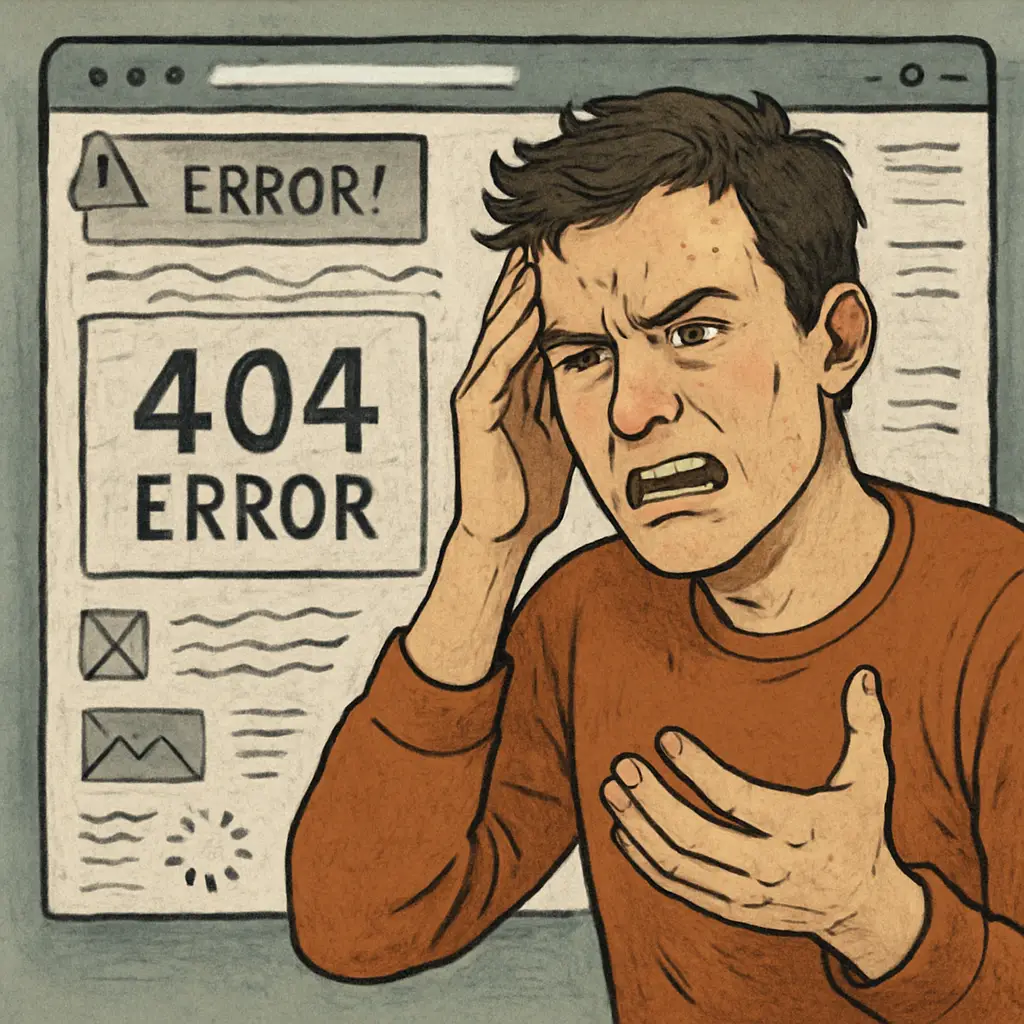
Your website is often the very first interaction a potential customer has with your brand. What kind of impression is it making? Studies show it takes a visitor less than a second to form an opinion, and that snap judgment determines whether they stay or leave. A negative first impression, fueled by entirely avoidable web design blunders, carries a steep price: lost leads, plummeting sales, and a damaged reputation. When users encounter a cluttered layout or frustratingly slow page speed, they don’t just get annoyed—they leave and likely never return. This guide is designed to help you sidestep these critical errors. We will unpack the most common web design mistakes that ruin the user experience (UX) and show you how to build a site that not only looks professional but also works tirelessly to convert visitors into loyal customers and avoid user frustration.
Imagine walking into a massive department store with no signs or aisle markers. That’s the online equivalent of a website with poor navigation. If visitors can’t find what they’re looking for intuitively, they won’t stick around to decipher your puzzle. This is one of the most critical web design blunders because it causes immediate friction and ruins the user experience (UX). Vague labels like “Solutions,” overly complex dropdown menus, or burying essential pages deep within your site architecture are all recipes for disaster. A user should never have to guess where a link will take them. To avoid user frustration, prioritize clarity and simplicity. Your main navigation should be consistent across all pages and use straightforward language. A logical structure is the foundation of a good website, preventing visitors from abandoning your site before they even see what you have to offer—a classic example of easily avoidable website design pitfalls.
When faced with poor navigation, users experience a spike in cognitive load. Instead of absorbing your message, their brain is forced to problem-solve just to find basic information. This friction quickly breeds frustration and erodes trust. In a competitive digital landscape, visitors have zero patience for a confusing online maze. They know a competitor with a seamless user experience (UX) is just one click away, making this one of the most immediate and costly web design blunders a business can make.
To fix poor navigation, start by thinking like your visitor. Limit your main menu to no more than seven top-level items, using crystal-clear labels like “Services” or “About Us” instead of internal jargon. Group related content logically—for example, placing “Case Studies” and “Testimonials” under a “Results” tab. A consistent, predictable structure across your entire site is non-negotiable. This simple strategy massively enhances the user experience (UX) and helps you sidestep one of the most fundamental web design blunders.

In today’s mobile-first world, having a website that isn’t optimized for smartphones and tablets is one of the most glaring web design blunders imaginable. With a majority of web traffic now coming from mobile devices, forcing users to pinch, zoom, and scroll horizontally just to read your content is a surefire way to avoid user frustration… by sending them directly to your competitors. This isn’t just a minor inconvenience; it’s a critical flaw that demolishes the user experience (UX) and signals that your business is out of touch. A non-mobile-friendly site is one of the most significant website design pitfalls because it impacts more than just user sentiment. Google actively prioritizes sites that employ responsive design, meaning this critical error hurts both your conversion rates and your visibility in search results. A seamless experience across all devices is no longer a bonus feature—it’s an absolute necessity.
It’s crucial to understand that this isn’t just about user preference; it’s about search engine reality. Google’s mobile-first index means it primarily uses the mobile version of your website for ranking and indexing. A non-responsive design isn’t just a frustration for visitors; it’s a major red flag for Google. This critical error signals a poor user experience (UX), leading to lower search rankings. By neglecting your mobile site, this common web design mistake makes you practically invisible to a huge portion of your potential audience.
Testing for a flawless mobile experience is simpler than you think. Start with Google’s Mobile-Friendly Test tool—it provides a clear pass/fail grade. For a more hands-on approach, use the developer tools built into browsers like Chrome to simulate various screen sizes. Actively clicking through your menus and forms on these simulated devices is crucial. This proactive testing ensures your responsive design truly enhances the user experience (UX), helping you avoid one of the most damaging web design blunders.
In the race for user attention, every second counts—literally. A website hobbled by a sluggish slow page speed is one of the most self-sabotaging web design blunders a business can make. Modern users have zero tolerance for waiting; studies consistently show that as load time increases, the probability of a visitor bouncing skyrockets. A delay of just a couple of seconds can decimate your conversion rates. This isn’t a minor annoyance; it’s a fundamental flaw that shatters the user experience (UX) and signals unprofessionalism. Visitors equate a slow site with an untrustworthy brand, a critical issue among website design pitfalls. The damage is twofold: it actively repels potential customers and alerts search engines that your site delivers a poor experience, hurting your rankings. To avoid user frustration and remain competitive, optimizing for speed is non-negotiable, making this one of the most costly common web design mistakes to ignore.
The connection between slow page speed, bounce rates, and SEO is a vicious cycle. When a page lags, impatient users leave almost immediately—this is known as a bounce. A high bounce rate sends a direct, negative signal to search engines like Google, telling them your site delivers a poor user experience (UX). In response, Google may lower your search ranking, making you less visible. This turns slow loading from a simple annoyance into one of the most punishing web design blunders, actively damaging your traffic and authority.
Tackling a slow page speed is achievable with key technical fixes. Begin by optimizing images; compress them and use modern formats like WebP to slash file sizes. Implement browser caching so repeat visitors experience near-instant loads. Finally, minify your CSS and JavaScript to ensure clean, lightweight code. These actions directly reduce loading times, drastically improving the user experience (UX) and helping you correct one of the most damaging website design pitfalls.

Walking onto a webpage that feels like a chaotic jumble of text, competing images, and flashing pop-ups is an instant turn-off. A cluttered layout is one of the most visually jarring web design blunders because it creates immediate cognitive overload. Instead of guiding the visitor, it overwhelms them with too many choices, leading to a stressful and confusing user experience (UX). The human eye craves order and visual hierarchy; without negative space to let content breathe, essential elements like your core message or a critical call to action (CTA) get lost in the noise. This is one of the classic website design pitfalls that makes a brand appear unprofessional and untrustworthy. To avoid user frustration, embracing simplicity is key. A clean, organized design isn’t just about aesthetics—it’s about clarity, focus, and successfully guiding your user toward their goal, making it a crucial fix for one of the most common web design mistakes.
Don’t mistake white space for empty space; it’s an active design tool that creates breathing room and guides attention. By surrounding key elements with negative space, you create a natural visual hierarchy, drawing the visitor’s eye directly to what matters most. This dramatically improves readability and reduces the cognitive strain caused by a cluttered layout. Ultimately, effective use of white space elevates the user experience (UX) and ensures your most important messages and a call to action (CTA) are seen, not ignored.
To fix a cluttered layout, start by defining a single primary goal for each page. Ask yourself: what is the one action I want the user to take? Structure your content with a clear visual hierarchy using headings, subheadings, and bullet points to improve scannability. Limit your color palette and font choices to maintain a consistent, professional aesthetic. This focused approach ensures your call to action (CTA) stands out, directly improving the user experience (UX) and preventing one of the most common web design blunders.
A stunning website that fails to guide visitors toward a specific action is fundamentally broken. This is one of the most significant web design blunders because it leaves your audience directionless after you’ve captured their interest. They’ve read your page, they’re engaged, but now what? Without a clear call to action (CTA), they are left guessing, and the most likely outcome is that they will simply leave. This failure to provide a next step is one of the most costly website design pitfalls, directly sabotaging your conversion goals. Weak, vague, or hidden CTAs create a frustrating user experience (UX), leaving potential customers confused. To avoid user frustration and achieve business objectives, every page must have a prominent, action-oriented CTA that tells users exactly what to do next. It’s a simple fix for one of the most common web design mistakes.
Failing to provide a clear call to action (CTA) squanders the valuable attention you’ve just earned. When a visitor is engaged, they are at a critical decision point. Leaving them without a next step creates confusion and friction, significantly damaging the overall user experience (UX). This is one of the most fundamental web design blunders because it breaks the user’s journey right before the finish line. To avoid user frustration, you must explicitly guide them, ensuring they never have to wonder what to do next.
To create an effective call to action (CTA), use clear, action-oriented language that communicates value. Swap generic phrases like “Submit” for specific commands like “Start Your Free Trial” or “Download My Ebook.” Your button’s design is equally important; use a contrasting color that stands out from the page and ensure it is large enough to be easily tapped on mobile. This combination of clear copy and prominent design eliminates guesswork, enhancing the user experience (UX) and fixing one of the simplest yet most critical web design blunders.
Your website’s content is its core, but if it’s unreadable, it’s useless. Poor readability and inaccessible typography are among the most basic yet damaging web design blunders. This issue goes beyond aesthetics; using fonts that are too small, choosing colors with low contrast (like light gray text on a white background), or opting for overly stylized scripts is a common web design mistake that makes your site an exercise in frustration. It forces visitors to strain their eyes, completely wrecking the user experience (UX) and making your site inaccessible to users with visual impairments. This is a critical error among website design pitfalls because it renders your brilliant copy, compelling arguments, and even your carefully crafted call to action (CTA) completely ineffective. To avoid user frustration and ensure your message is actually delivered, prioritizing clean, legible typography is not just good design—it’s a fundamental requirement.
Choosing an overly ornate or script font might seem artistic, but it’s a common web design mistake that prioritizes style over substance. If your visitors have to decipher each word, you’ve already lost them. Similarly, body text smaller than 16px is a recipe for eye strain, especially on high-resolution screens. This error directly harms the user experience (UX) by making content consumption a chore instead of a seamless process. It’s one of the simplest web design blunders to avoid: stick to clean, standard web fonts.
Beyond font choice, text contrast is non-negotiable for accessibility. Using light gray text on a white background, for example, is a classic web design blunder that fails a huge portion of your audience. This isn’t a matter of subjective style but a clear accessibility failure that alienates users with visual impairments. To avoid user frustration, use online contrast checkers to ensure your text meets WCAG standards. High contrast makes your content effortlessly readable, dramatically improving the user experience (UX) for everyone and preventing a simple but costly mistake.

Nothing screams “we don’t respect your attention” quite like a pop-up that appears the second you land on a page or a video that starts blaring audio without warning. These intrusive elements are among the most jarring web design blunders because they aggressively interrupt the user’s journey. Instead of creating a positive interaction, they hijack the screen, block content, and often make it infuriatingly difficult to find the ‘close’ button. This is a guaranteed way to cause, not avoid user frustration. While a well-timed, non-intrusive overlay might serve a purpose, immediate and full-screen interruptions demolish the user experience (UX). This is a common web design mistake that makes your brand feel desperate and spammy, turning a potential customer into a bounced visitor in seconds. It’s a classic example of a website design pitfall where the short-term goal of a lead capture call to action (CTA) completely undermines the long-term goal of building trust.
Sudden pop-ups or auto-playing media are a direct assault on the user experience (UX). They break the visitor’s concentration, forcing them to stop what they’re doing—reading your content, for example—and deal with an unwanted distraction. This jarring shift creates instant frustration and erodes trust. It’s one of the most self-defeating web design blunders because it signals that your promotional goals are more important than the user’s journey, making them feel disrespected and likely to abandon your site entirely.
To capture leads without alienating visitors, try user-respecting alternatives. An exit-intent pop-up, which triggers only as a user is leaving, is far less intrusive. Another great option is a subtle slide-in banner that appears after a visitor has scrolled down the page. Embedding a clear call to action (CTA) within your content or footer also works well. These methods enhance the user experience (UX) and help you sidestep one of the most annoying web design blunders, allowing you to generate leads while you avoid user frustration.

Thinking that Search Engine Optimization (SEO) is something you can just “add on” after your site is built is one of the most shortsighted web design blunders. This fundamental error treats design and SEO as separate disciplines when they are deeply intertwined. Ignoring SEO during the initial design phase is a common web design mistake that embeds problems directly into your website’s foundation. Key elements like a logical URL structure, proper use of heading tags (H1, H2, H3), and image alt text are not post-launch fixes; they are core architectural decisions. A site that looks beautiful but is impossible for search engines to crawl and understand is essentially invisible. This is one of the costliest website design pitfalls because it cripples your organic traffic potential from day one. Integrating SEO from the start ensures your site is built for both human visitors and search engine crawlers, creating a superior user experience (UX) and preventing a major strategic failure.
Treating SEO as an afterthought is a costly web design blunder because foundational elements are set during the design phase. A poor URL structure or improper heading hierarchy, baked in early, is difficult and expensive to fix later. This common web design mistake means search engines can’t properly understand your content, severely limiting your visibility. A site that can’t be found offers a terrible user experience (UX) by default, turning a strategic oversight into a major business liability.
To build an SEO-friendly foundation, integrate these elements during the design phase. Use a single H1 tag for your page’s main title, with H2s and H3s creating a logical content outline for users and crawlers. Every image must have descriptive alt text—this is crucial for accessibility and image search. Finally, plan your internal linking strategy to guide visitors and spread authority across your site. Overlooking these steps is a common web design mistake that damages visibility and the user experience (UX) from the start.
When a visitor moves from your homepage to a service page and suddenly encounters a different color scheme, a new set of fonts, or a completely different writing style, it creates a jarring and unprofessional experience. This lack of consistency is a subtle but serious web design blunder that erodes trust. A strong brand identity is the visual and emotional glue that holds your website together. Inconsistency makes your site feel fragmented and cheap, leaving users feeling disoriented and questioning your credibility. This is a classic example of a common web design mistake that directly harms the user experience (UX) by creating confusion where there should be comfort and familiarity. To avoid user frustration and build a memorable brand, you must maintain a consistent style guide—from your logo and color palette to your typography and tone of voice—across every single page. Ignoring this is one of the key website design pitfalls that signals amateurism.
A visually disjointed website is dangerous because it shatters user trust. When fonts, colors, and layouts change from page to page, it creates a chaotic and unprofessional user experience (UX). This inconsistency is a classic web design blunder because it makes your brand feel unreliable and thrown together. Visitors lose confidence when they feel disoriented, and a confused user will not convert. This simple mistake makes your business appear amateurish, sending potential customers straight to a competitor with a cohesive identity.
To prevent this common web design mistake, create and enforce a brand style guide. This document should codify your primary and secondary color palettes, typography rules (font families, sizes, weights), logo usage, and button styles. By using this guide as the single source of truth, you ensure every page feels cohesive and professional. This consistency is critical for building a strong brand identity and a trustworthy user experience (UX), solving one of the most undermining website design pitfalls.
When a visitor lands on a page where every element screams for attention with equal intensity, they see nothing at all. This lack of a clear visual hierarchy is one of the most fundamental web design blunders. It turns your page into a flat, monotonous wall of information, forcing the user’s brain to work overtime just to figure out what to read first. This is a classic common web design mistake that significantly degrades the user experience (UX). Without visual cues like size, color, and placement to guide their eyes, visitors are left directionless and quickly become overwhelmed. This is one of the most critical website design pitfalls because it renders your most important content invisible; your compelling headline, key benefits, and crucial call to action (CTA) are all lost in the visual noise. To avoid user frustration and effectively communicate your message, you must strategically direct the user’s gaze—a core function of good design.
This is a core design principle many sites ignore. In an effort to highlight every feature and benefit, they create a page where no single element can truly stand out. This is a critical common web design mistake because it completely eliminates priority. Without a clear focal point to guide them, the visitor’s eye doesn’t know where to look, creating a confusing and exhausting user experience (UX). Ultimately, your most important message and call to action (CTA) get lost, making this one of the most self-defeating web design blunders.
To establish a clear visual path, make your main headline significantly larger than other text. Use a powerful, contrasting color for your primary call to action (CTA) to make it an undeniable focal point. Strategically place critical information along natural reading paths, like the top-left of the screen. These deliberate choices guide the eye, creating a seamless user experience (UX) and preventing one of the most fundamental web design blunders—leaving your visitor to fend for themselves.
We’ve journeyed through the ten most critical web design blunders, from confusing navigation and slow page speed to the fatal flaw of a missing call to action (CTA). It’s clear that these aren’t just minor slip-ups; they are significant barriers that cause immense user frustration and drive visitors away. However, the true takeaway isn’t a list of things to fear, but a clear roadmap for improvement. By systematically addressing each of these common web design mistakes, you do more than just fix problems—you transform weaknesses into strengths. Every blunder corrected is a direct investment in a superior user experience (UX). A site that is fast, intuitive, responsive, and clear isn’t just avoiding errors; it’s building trust, delighting visitors, and powerfully driving your business goals. Start today by auditing your own site against this list and turn these potential website design pitfalls into your greatest competitive advantages.
Compare Adobe Firefly vs Canva Magic Studio. Discover which AI design tool is best for professionals seeking precision or marketers needing speed for their creative projects.

Explore how AI is transforming SEO, from powering search engines to enhancing content creation and user experience. Learn practical strategies to thrive in the AI era of search.

Master prompt engineering for beginners! Learn essential techniques to craft effective AI prompts and dramatically boost your Large Language Model (LLM) results.